top of page

Instructions for Augmented Reality
1. On your smartphone device, press on View in your space.

2. Press on Allow.

3. This will open the camera. Make sure your viewing area is flat and there's light.
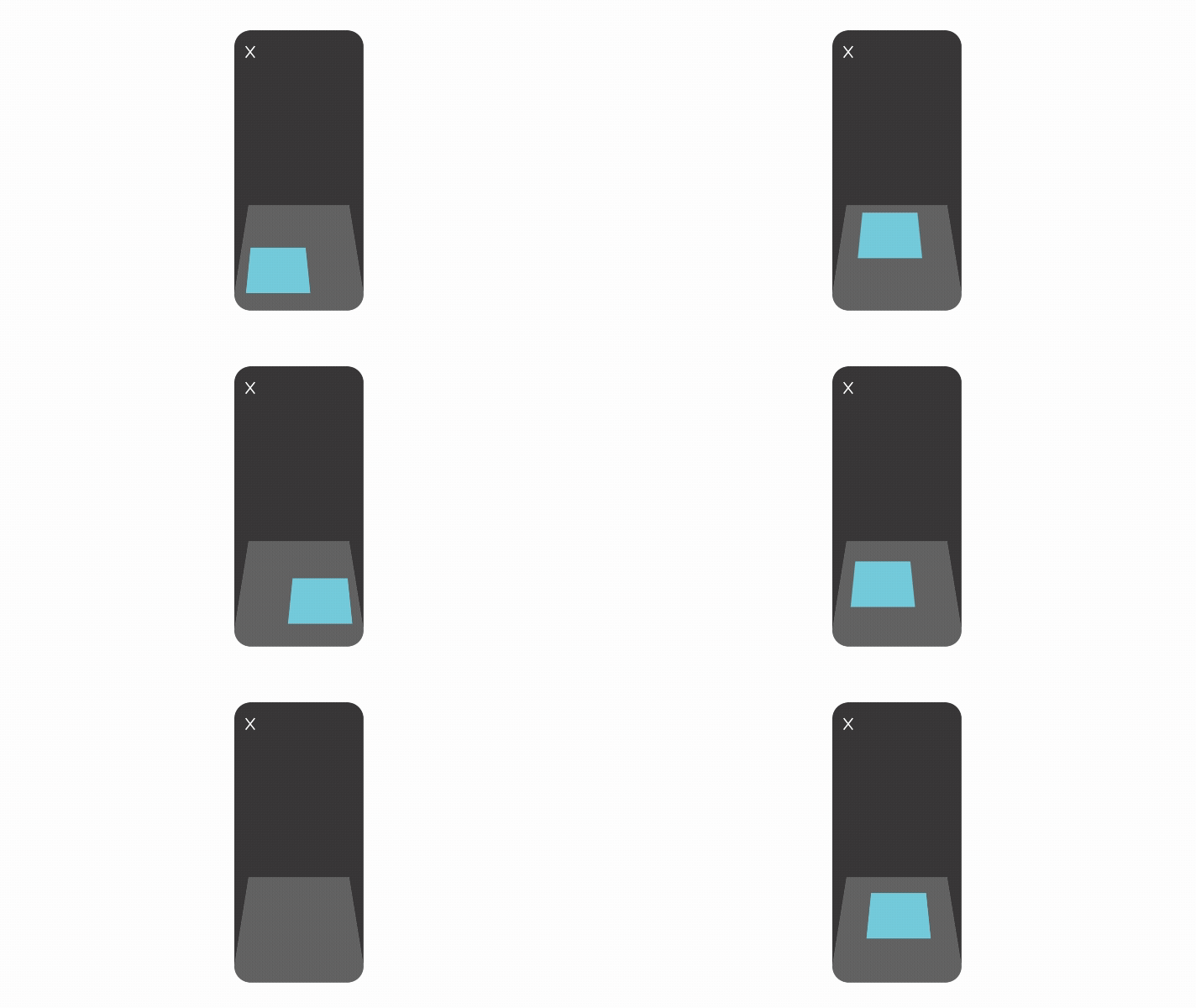
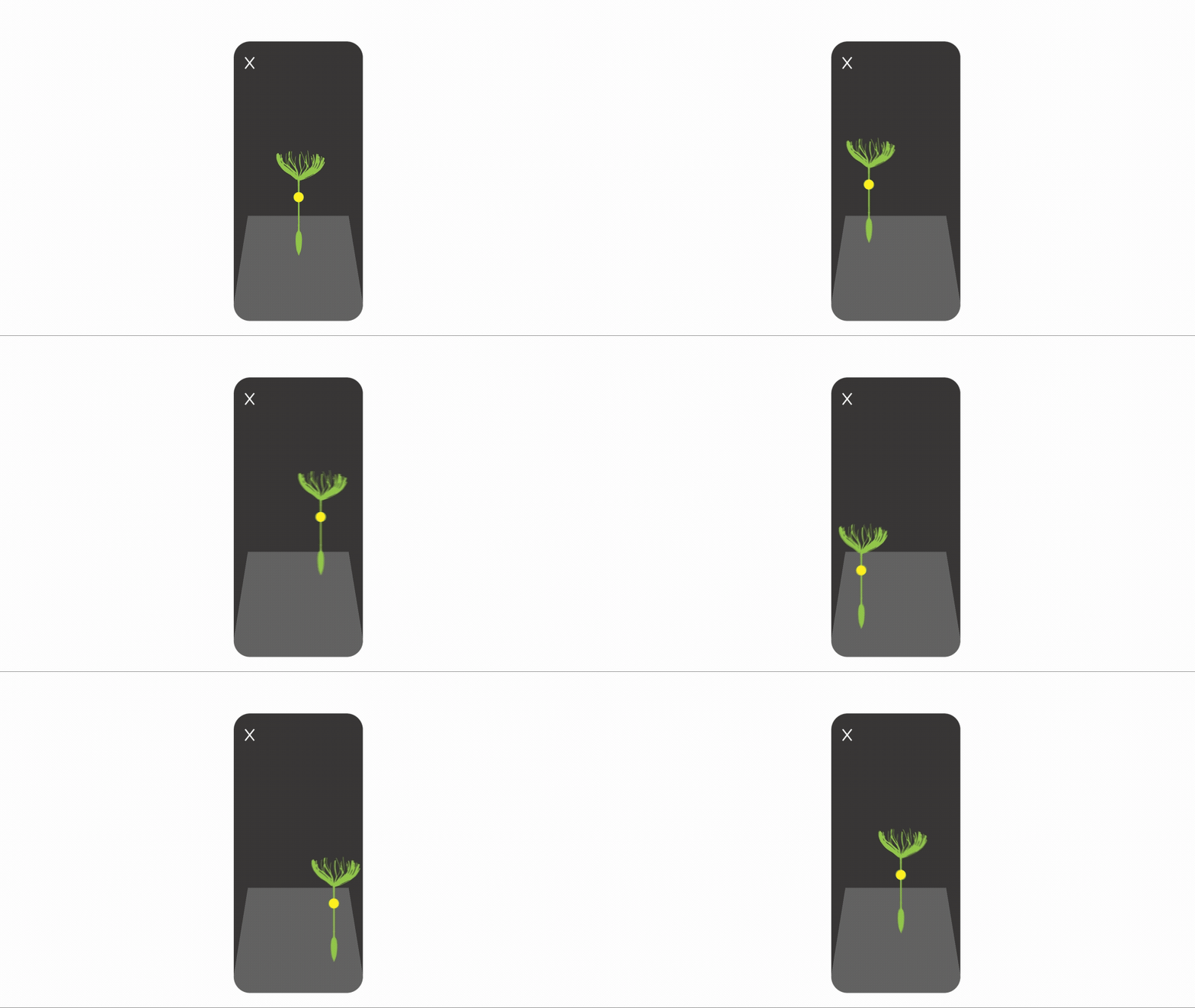
4. Once the 3D model is placed on the ground, you can move the 3D model with a finger.
5. Scale the 3D model to desired size by pinching the 3D model.
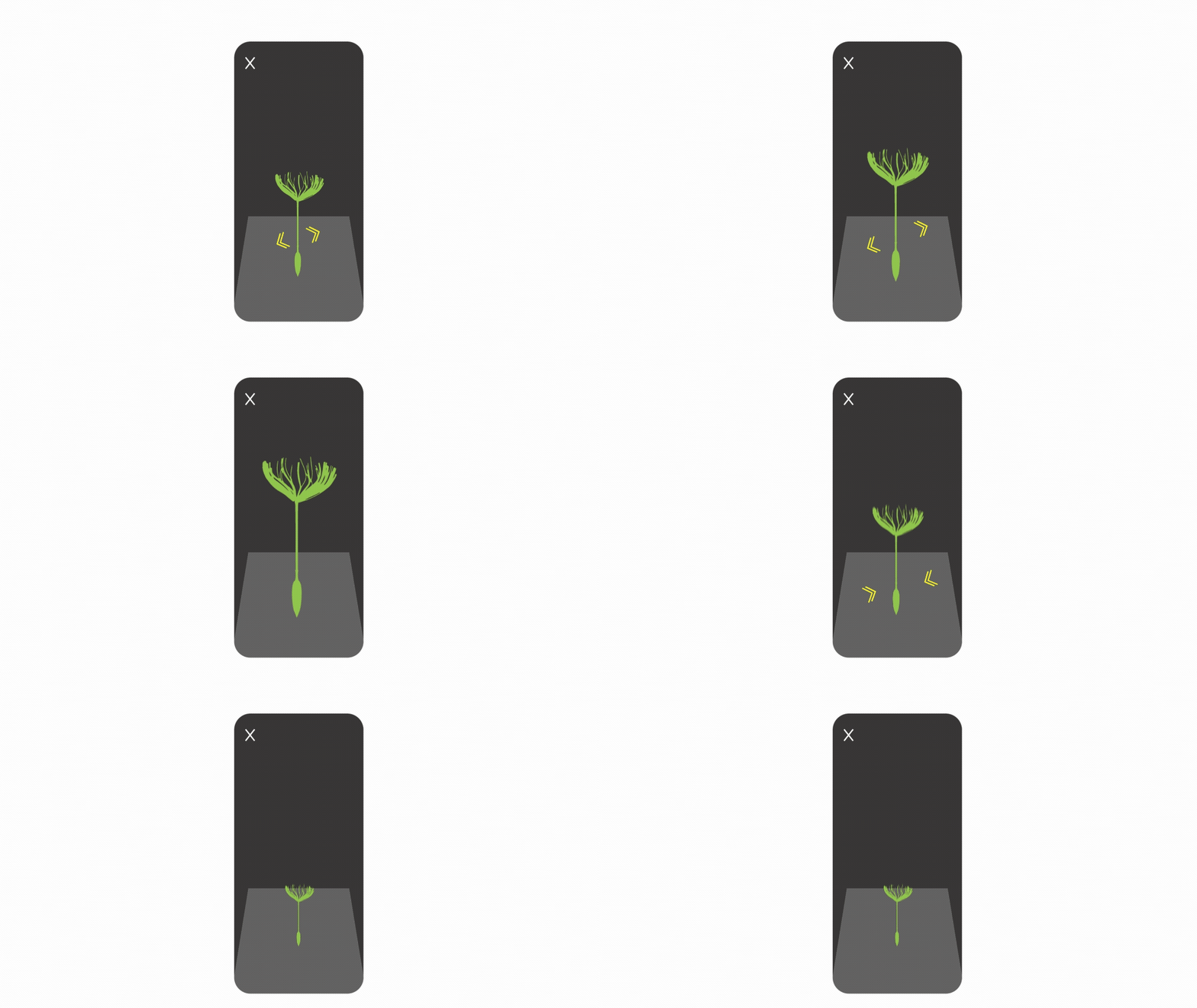
6. Rotate the 3D model by pinching clockwise.
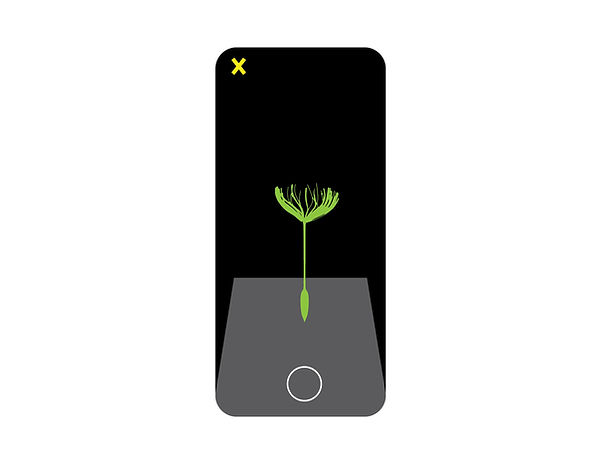
7. Capture images with the augmented reality art and save to pictures or videos by tapping or holding on to the circle in the bottom center.

8. Press X when finished.
bottom of page